

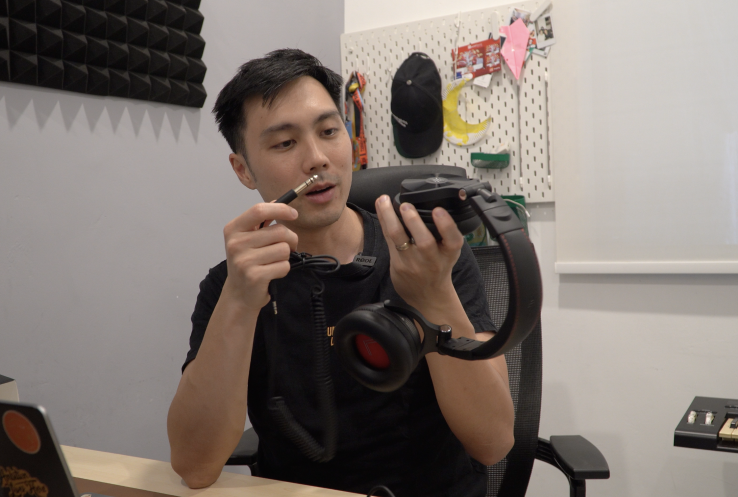
OneOdio Studio Max 2 Review: A Wireless Headphone for Music Producers That Works
If you spend any time producing and arranging music, you know the struggle (first-world problems, yep): cables all over your keyboard, getting tangled up while you’re just trying to arrange a track.
Or maybe you want to run over to the recording room to record a quick riff, and don’t want the hassle of having to remove your headphones and set up a new set of headphones.
We’ve all wanted the freedom of wireless, but there’s a big problem: latency.
Going wireless for pro audio introduces a lot of unwanted latency, especially if you’re doing anything like arranging or recording, where you’ll need to be time-precise. And for years, there’s been no reliable gear to do this, at least for home-level music production. And don’t get me started with Bluetooth headphones.
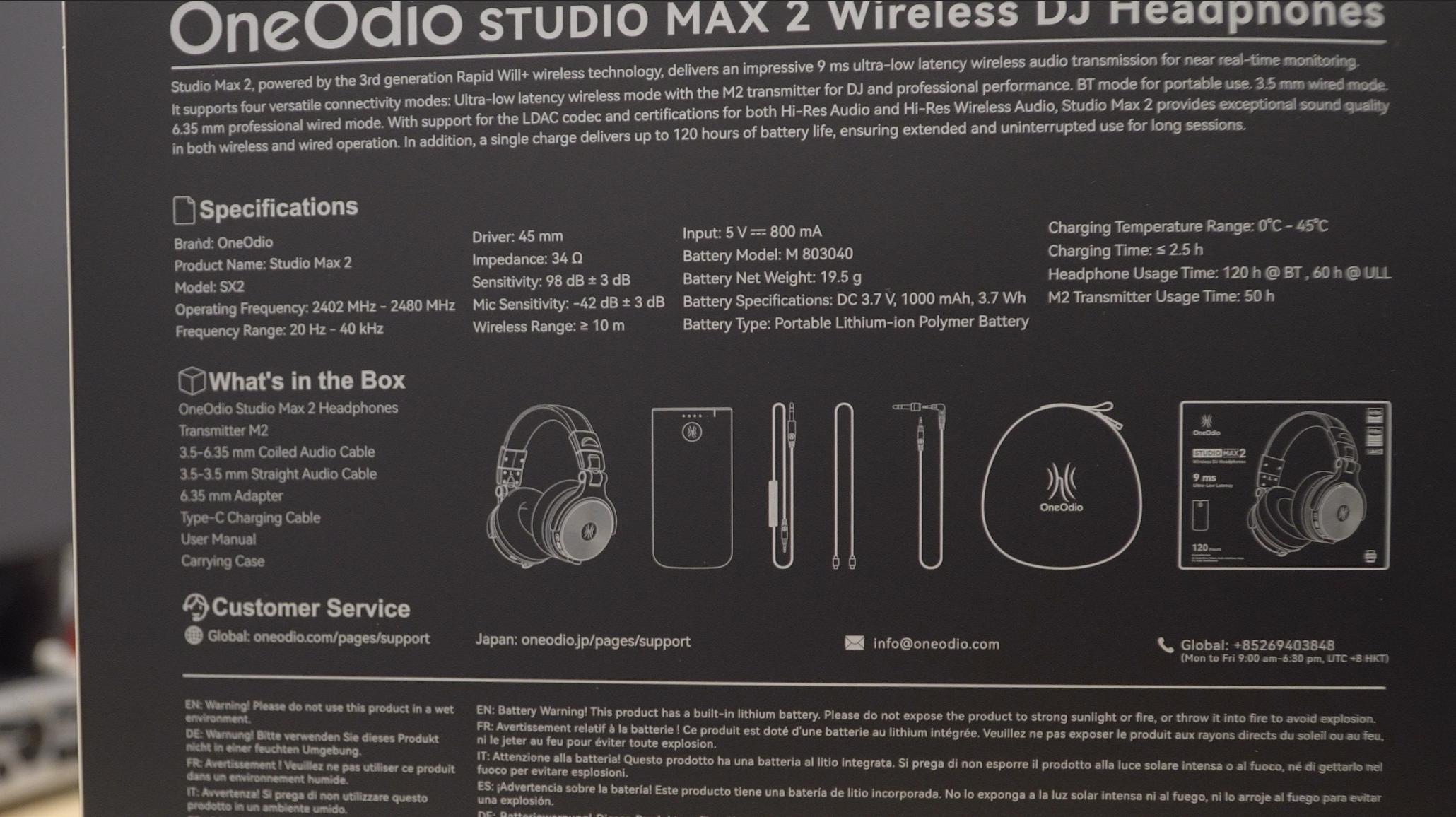
That brings us to the OneOdio Studio Max 2, a pair of wireless headphones that promise ultra-low latency of 9 milliseconds over a wireless connection using an included USB-C transmitter. Plus, a massive 120 hours of playback time on battery. To put that in perspective, AirPods max out at around 8 hours. This lasts 10 times longer.
But the real question is: does it actually hold up for realistic music production work?
Watch the video review below or continue reading about my experience using them.
First impressions: A 9ms wireless headphone under $200
First, let’s look at some important specifications.
| Spec | Detail |
|---|---|
| Driver Size | 45mm |
| Frequency Response | 20Hz – 40kHz |
| Impedance | 34 ohms |
| Max SPL | 118dB |
I was excited to receive the Studio Max 2.
There’s a whole story (with broken English) on the back of the box, where the brand attempts to tell a story about why they exist and what they stand for. I love it when brands set out with a purpose to make a positive change, so that was a nice addition.
I must also add that China-made products have become so good that it rivals some of the industry’s popular brands we’ve been using for years. Also explains why I’ve found it hard to sell off used music production gear. People are just choosing Chinese brands now for their great value – the Studio Max is $189.99 (use coupon code “AudioMentor” for 15 off when you buy direct from OneOdio’s website.)
And wow, the carrying case is huge – almost the same size as the case for my Zoom H6 recorder. I’m guessing it’ll be alright for most DJs or producers as they’ll likely be carrying backpacks. But just note the carrying case is one of the biggest ones I’ve come across for a pair of headphones. Also, the Studio Max 2 does pack a bit of weight ~ roughly 350 grams.
Build and Comfort
Comfort-wise, the padding is soft, and the sound isolation is great. Don’t expect it to be “soundproof”, but I found it hard to hear my family members speaking when I put on the headphones.
The only heads-up I’d give is that if you live in a humid country, as I do here in Malaysia, your ears might get a bit warm (and sweaty) during long sessions.
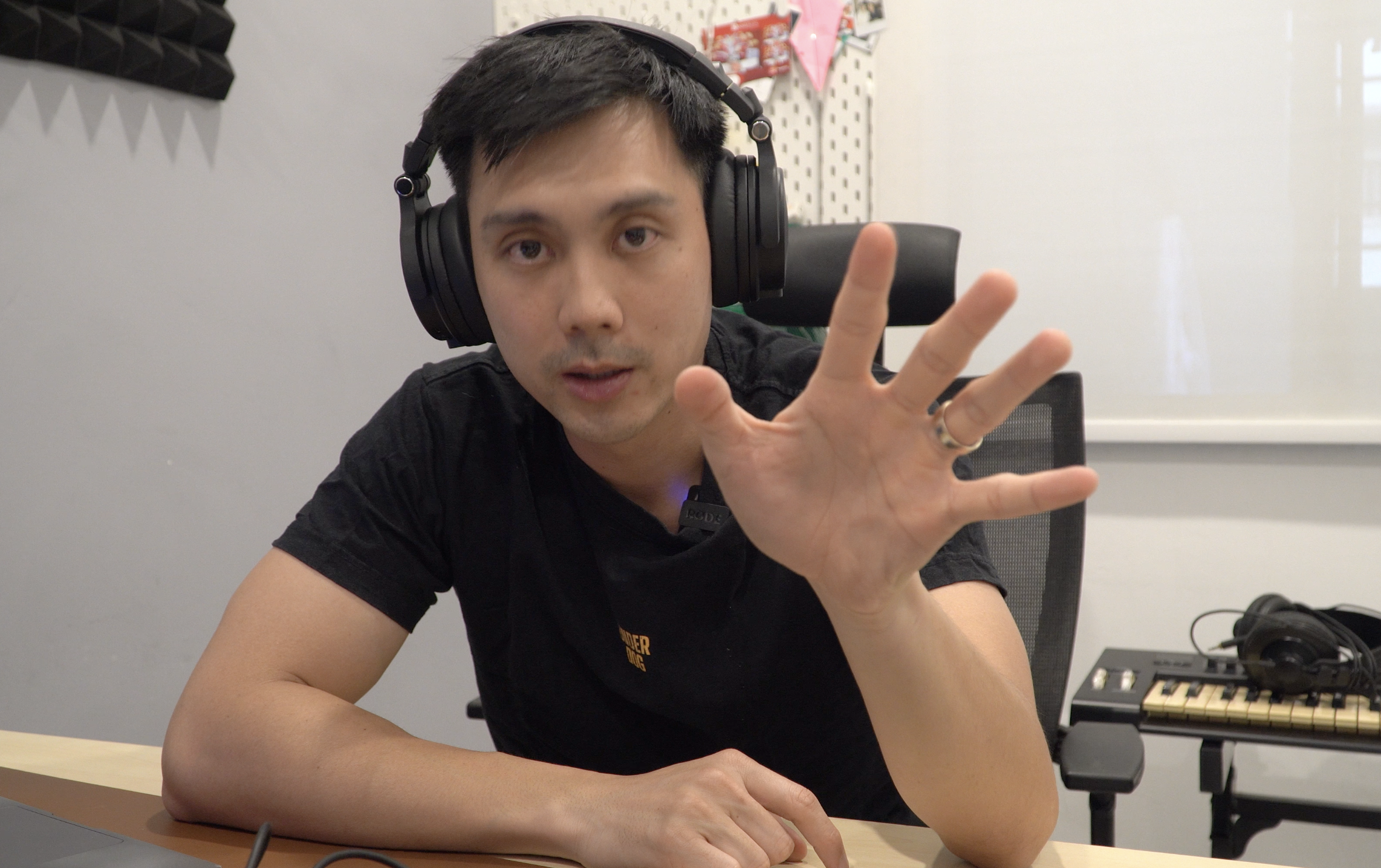
I find the headphone built to be mid-solid. A mix of metal and plastic. It’s surely not the most solid or premium pair I’ve ever held. (Headphones like the AirPods Max have a next-level build). But I can tell it’ll be durable enough to survive regular bending and usage. The ear cups swivel around DJ-style, which will be a nice touch for quick monitoring.
Sound Quality (The Honest Truth)
The Studio Max 2 connects in 4 different ways: standard wired (3.5mm or 6.5mm), Bluetooth, and via the transmitter for the ultra-low latency mode.
I tested the audio quality across all of them, and here is what you need to know:
The Wireless Transmitter: While the 9ms latency is exactly as advertised (no noticeable delay), the sound quality takes a hit. To me, it sounded a bit thin and trebly. The bass is there, but it isn’t very pronounced, and it misses a little of detail. This seems to be the trade-off for pushing real-time audio wirelessly.
Bluetooth: Strangely enough, I actually preferred the overall sound quality over standard Bluetooth compared to the transmitter. I did an A/B test between the two wireless modes on the same song, and could tell the difference. This likely comes down to LDAC support on the Bluetooth connection, which is a higher-quality audio codec that transmits roughly 3X more data than standard Bluetooth. The trade-off, is that LDAC introduces more latency.
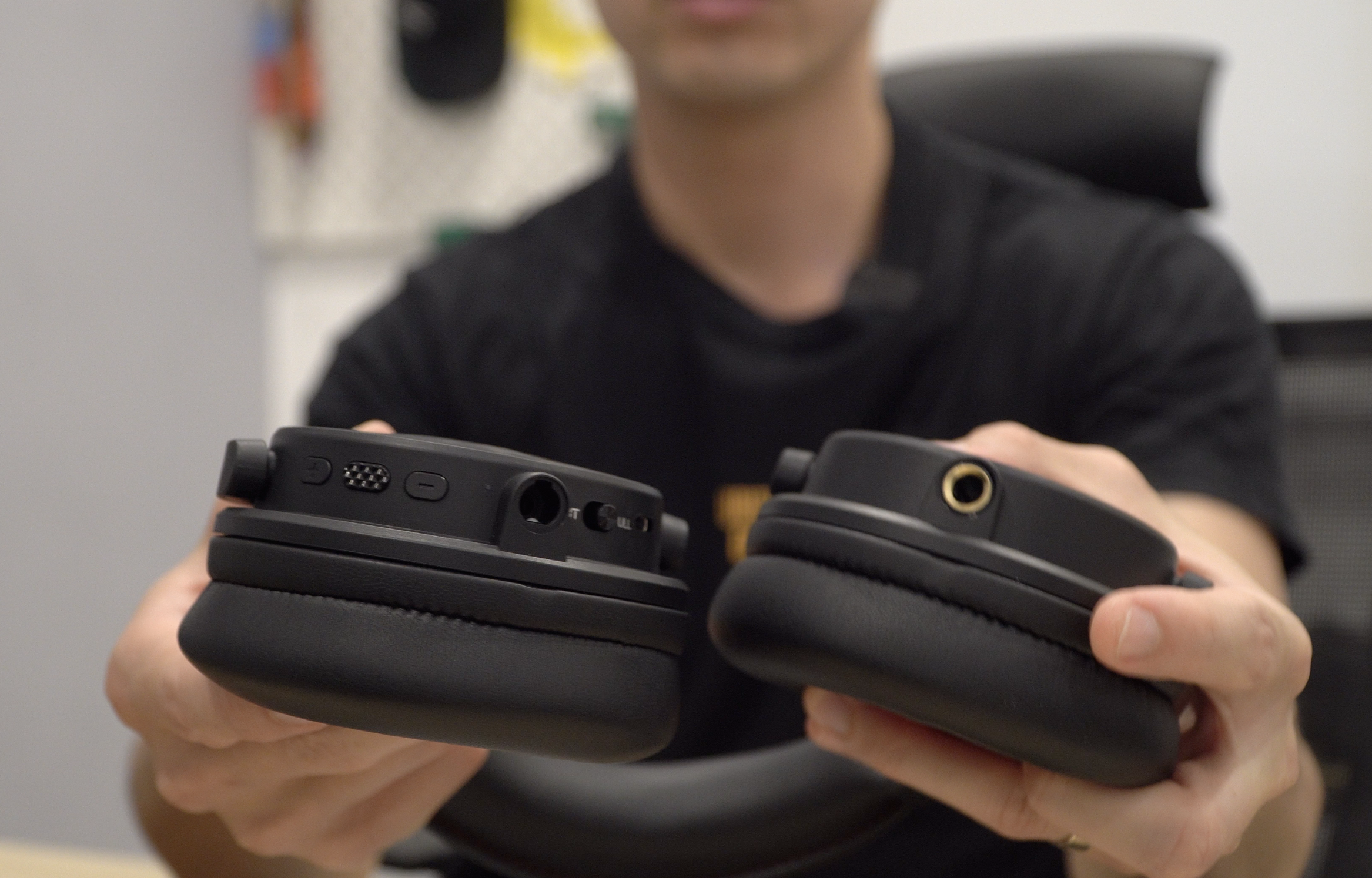
Wired Connection (Dual 3.5mm & 6.35mm: This is where the headphones actually shine. Once I plugged in via the 6.5mm jack, the sound quality immediately improved. In fact, I actually enjoyed the headphones more through a wired connection (supplied cables were generously long enough – 3M).
So here’s how I see it:
Go on the wireless transmitter if you’re working on music arrangements, recording, and programming music. Switch over to a wired connection when editing or mixing, where you need to work with more detail. Use the Bluetooth connection outside the studio when you’re out and about and want to listen to music.
Putting Studio Max 2’s 9ms latency to the test
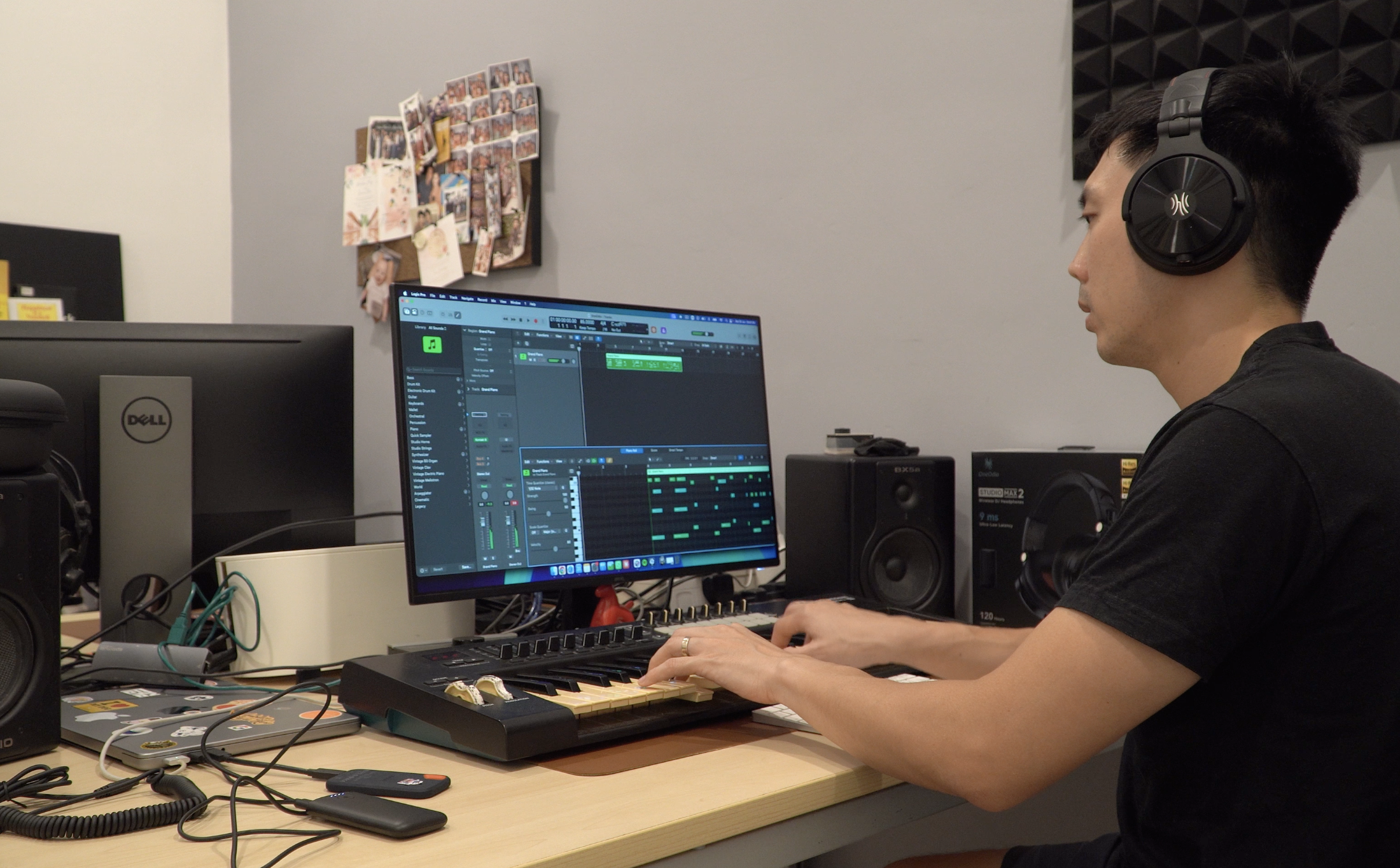
To really test the latency, I simulated an arrangement workflow – I programmed a simple 4-bar riff with a piano, bass, drums, and strings.
I spent a good 30-minutes in this process, scrolling through sounds, riffing, and programming MIDI tracks using a connected MIDI controller.
And it was when I understood the core appeal of the Studio Max 2.
You see, the problem with wireless headphones is that they’ll introduce latency that would make real-time MIDI programming problematic. I would hit a key on my MIDI controller and hear the playback half a second later, which would make it impossible to arrange music with the controller.
With the OneOdio Studio Max 2 connected through its wireless transmitter, I was pleasantly surprised to find all these latency problems had disappeared. It felt like the headphones were connected through a wired connection.
When I had them on with the transmitter, I completely forgot I was wearing headphones. Because the latency was so low, my notes were landing accurately on the tracks (just a tiny bit of quantization needed. Being able to arrange tracks and experiment without a cable getting caught on your chair or keyboard was a great experience.
The App and EQ Settings
The companion app is pretty basic. It offers a few EQ modes like Music, Bass, and a custom tuning by KSHMR, which honestly didn’t impress me too much. I ended up leaving it in “Customized” mode for a flat EQ response, which is what you want for arranging and producing anyway.
There’s also a sample pack included in the app, which surprised me a little: tapping on it just brings you to a Google Drive folder with a handful of samples. A bit quirky. Maybe some will find it helpful.
The Verdict
The OneOdio Studio Max 2 is a versatile mid-range pair of headphones. You get quite a lot for your buck, with the two most impressive things – the 9ms latency and 120 hours battery life.
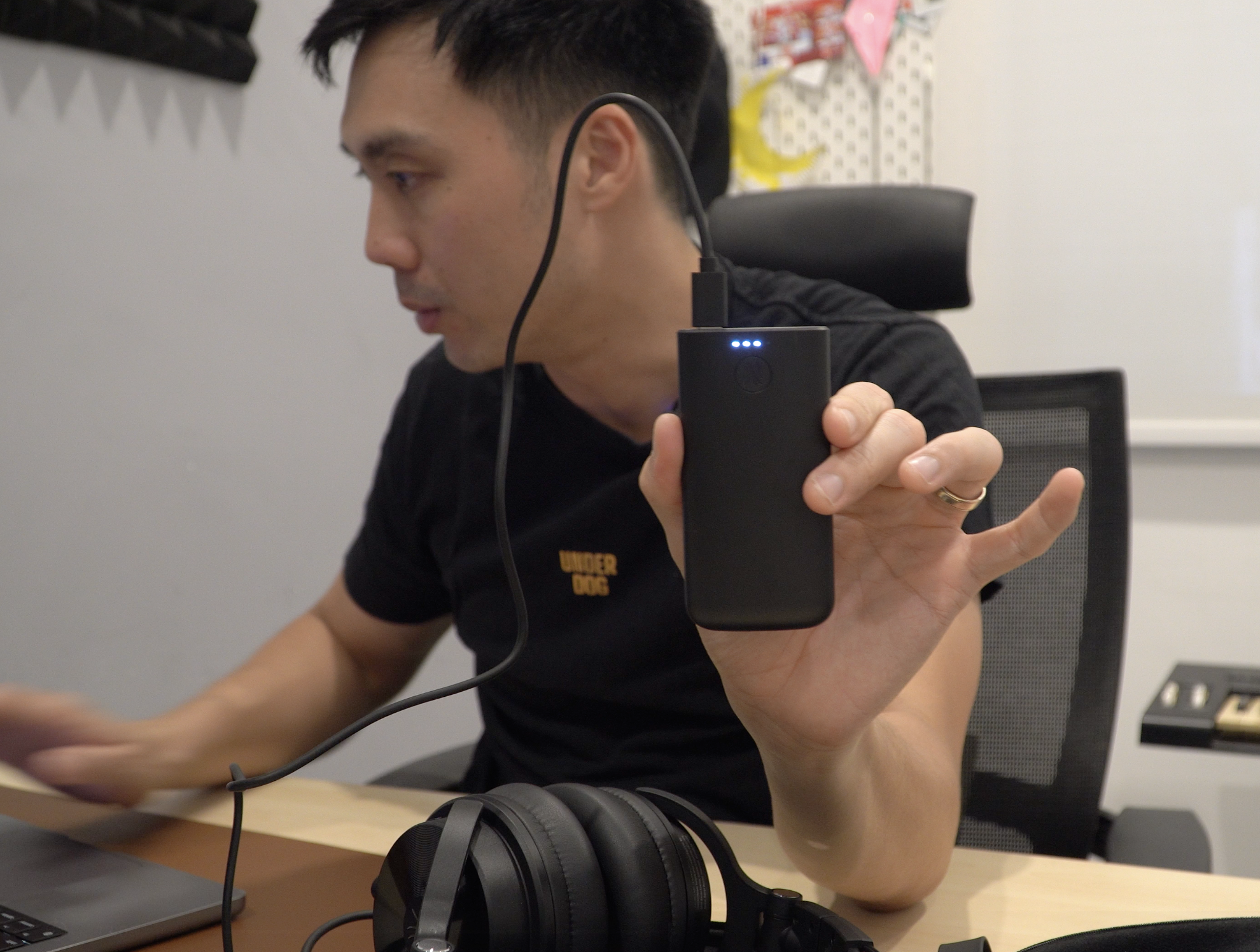
At this time of writing, I’ve not run out of battery life yet, having used the headphones for 3-4 sessions of 1-2 hours each. The battery life seems to be impressive. However, take note that the 120-hour battery life is on a Bluetooth connection. It’ll offer 60 hours when you use the wireless transmitter.
So, who is the Studio Max 2 for?
The Studio Max 2 is built for the home studio producer or bedroom musician who wants to move freely around their space while arranging, recording, or jamming without sacrificing timing accuracy.
It’s also a solid pick if you’re a DJ who wants to monitor tracks wirelessly during a set and switch to wired for your final mix checks.
If you are just looking for a standard pair of wireless headphones for casual listening, I would point you to other options in the market. But if you specifically want to arrange and produce music without being tethered to your desk, that 9ms latency is a game-changer. You can lay down your tracks completely wire-free, and then just plug in the cable when it’s time to do your precise, final mix.
The Studio Max 2 retails at $189.99. If you’re buying direct from OneOdio’s website, use coupon code “AudioMentor” for $15 off.